

Currently we only provide the ability to provide social links for:
- GitHub
- LinkedIn (company and personal)
- YouTube If you could like more then please suggest it through our feedback page
1
Step 1
Go to your Site Seedling dashboard
2
Step 2
Open “Social Media”
3
Step 3
Click on “New Social Media”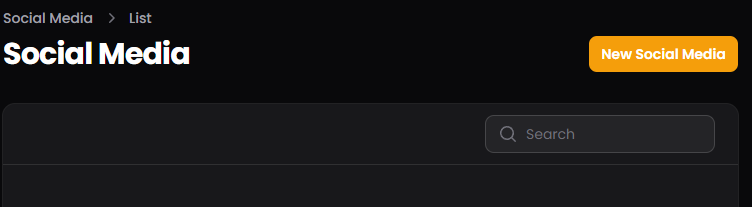
4
Step 4
Select the social media platform you would like to create a link for.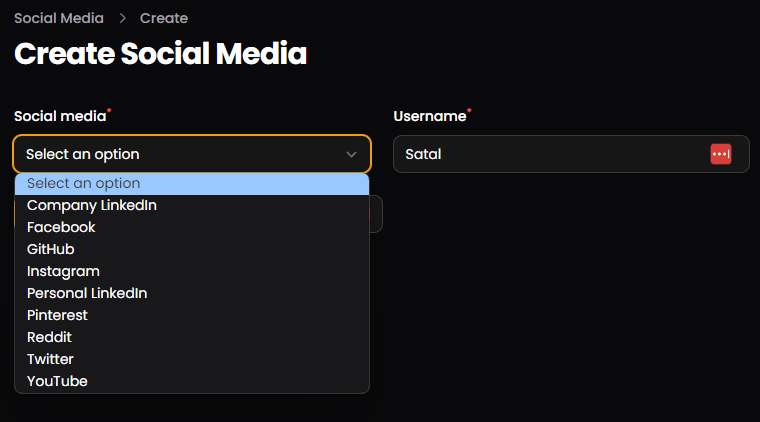
5
Step 5
Enter your social media Username or tag.You only need to enter the username part of the link to your profile.
For example, if you wanted to do a GitHub link and your profile was
https://github.com/Satal (I doubt it as
that’s mine) then you would enter “Satal”
6
Step 6
Click on “Create” or “Create & create another” if you would like to
create more social links.